
Blogs
When Should You Replace a POS Receipt Printer? 7 Signs to Watch

Quick answer: Replace a POS receipt printer when failures, connectivity limits or support problems start costing more than keeping the old unit. A newer printer is not automatically necessary just because a new model exists, but repeated jams, cutter failures, unreliable connections and unsupported interfaces are practical warning signs.
1. The printer is causing checkout delays
If staff regularly wait for receipts, restart the printer, reopen the lid, or retry jobs, the problem is no longer just technical. It is affecting checkout time and customer experience.
Before replacing the unit, rule out paper problems, network issues and software configuration. If failures continue after basic maintenance, replacement may be more economical than repeated troubleshooting.
2. The cutter or feed mechanism is becoming unreliable
Thermal receipt printers rely on moving parts such as paper-feed mechanisms and automatic cutters. Wear can show up as incomplete cuts, repeated jams, uneven feeding or paper errors.
Cleaning and maintenance may help, but an aging printer with recurring mechanical issues should be evaluated against the cost of a replacement.
3. Your new POS no longer supports the old interface
This is one of the most common reasons to upgrade. A legacy printer may still work perfectly but use an interface that does not fit the new POS deployment. Modern setups increasingly use Ethernet, USB, Wi-Fi or Bluetooth rather than older serial-only connections.
Adapters can sometimes bridge the gap, but adding converters and custom drivers can create more support complexity than replacing the printer with a natively supported model.
4. Network reliability has become a problem
Shared network printers need stable addressing and connectivity. If an older printer frequently disappears from the network or requires manual resets, investigate the router, switch and cabling first. If the network is healthy and the printer remains unreliable, replacement becomes more reasonable.
5. Replacement parts or support are difficult to find
A printer that is no longer widely supported can become expensive even when it still works. Consider whether drivers, firmware, replacement cutters, power supplies and warranty service are readily available.
Standardizing on a current model can also simplify support when a business has several registers.
6. The business has outgrown the printer
A small store may have started with one basic receipt printer and later added more registers, online orders, mobile POS devices or higher transaction volume. The original printer may not fit the new workflow even if it has not failed.
Upgrade decisions should consider the business process, not only the age of the hardware.
7. A newer model solves a real operational problem
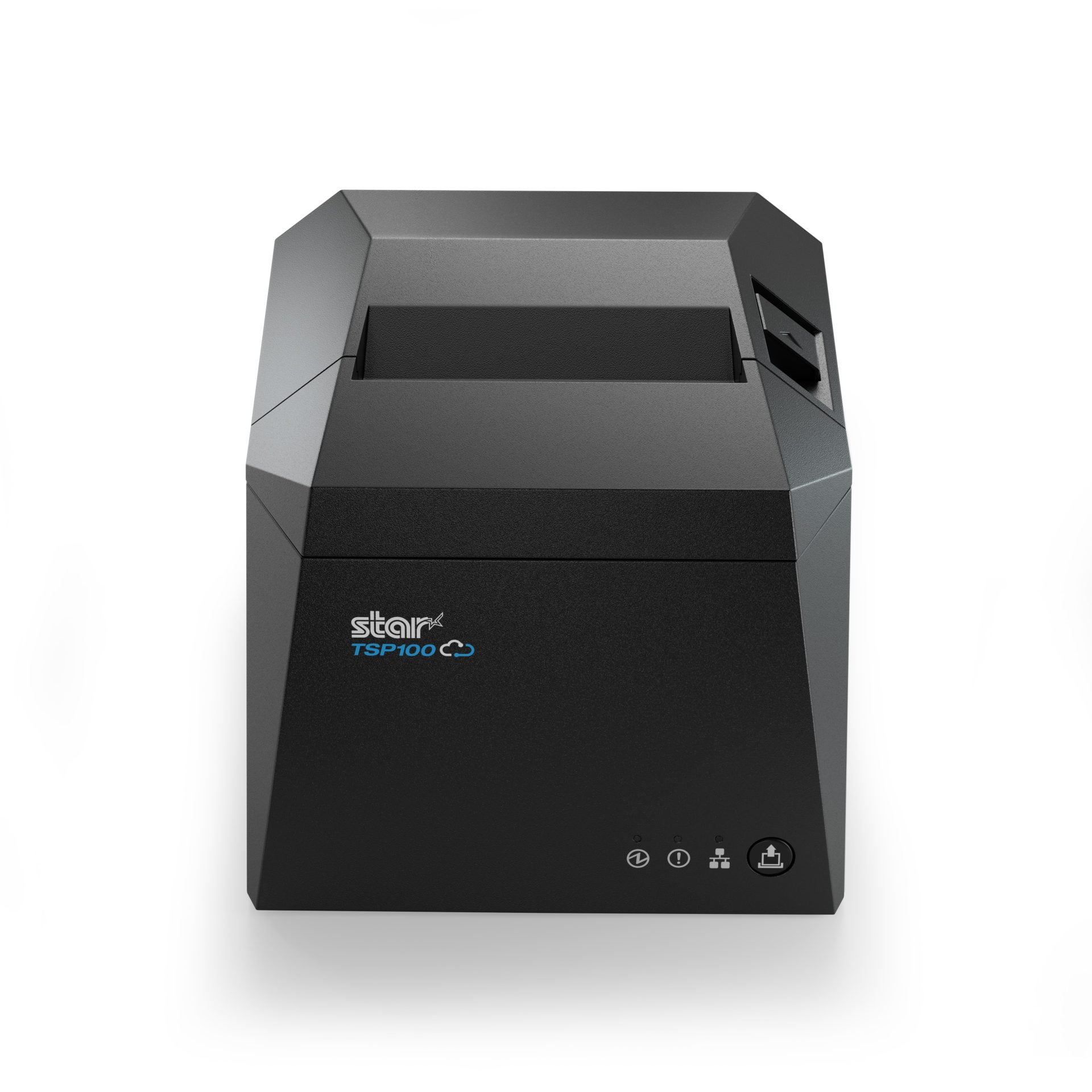
A valid reason to upgrade is when a newer printer provides connectivity or deployment options the business actually needs. For example, the Star TSP143IV is the current generation of Star’s TSP100 family and offers newer interface combinations and a smaller footprint.
The older TSP143III can still be perfectly useful where it is supported and reliable. Do not replace working hardware solely for the model number.
Repair or replace?
Repair makes sense when the printer is still supported, the issue is isolated, replacement parts are inexpensive and downtime is acceptable. Replace when problems are recurring, support is disappearing, the printer is incompatible with the new POS or the cost of staff time and outages is becoming significant.
Before replacing, check these five things
- Confirm the problem is not paper quality or incorrect roll size.
- Test the cable, USB port or Ethernet connection.
- Check the POS driver and software configuration.
- Clean the print path according to manufacturer guidance.
- Confirm the cash drawer is not causing an apparent printer issue.
Planning a printer refresh
If multiple registers use the same older printer, avoid replacing units one at a time without a standard. Select one or two approved models, document the interfaces and keep a spare where downtime is expensive.
Businesses comparing replacements can review the Epson TM-M30II, Star TSP143IV and other JaimePOS thermal printers.
Shop products mentioned in this guide
Current JaimePOS pricing and availability are shown below. Product configurations can vary, so review the product page before ordering.


Official resources
- Star TSP100IV/TSP143IV official information
- Star TSP100III/TSP143III official information
- Epson TM-M30II official information
Before replacing a working printer, confirm the actual cause of the problem and verify compatibility of the proposed replacement with your POS software and hardware.


