
Blogs
Las Vegas POS Systems: A Practical Buying Guide for Restaurants and Retail

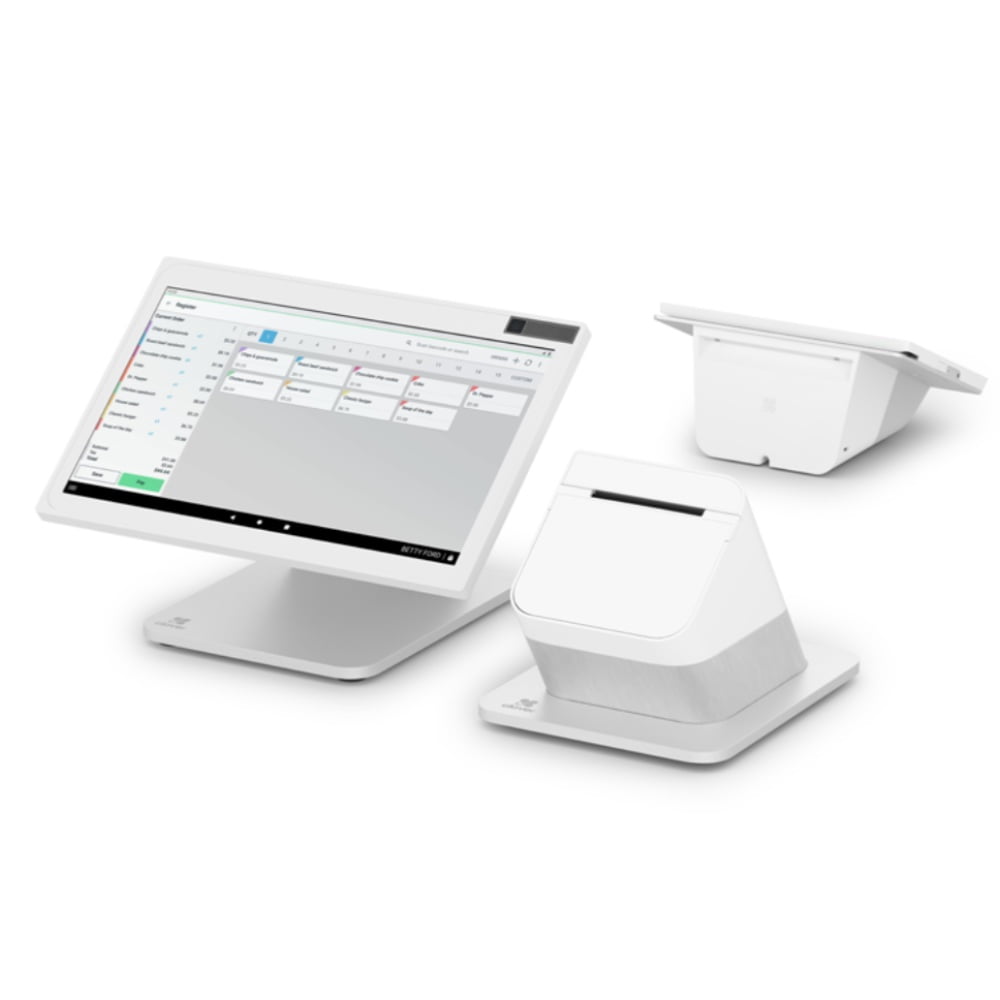
Choosing point-of-sale and payment technology is easier when the decision starts with the way the business actually operates. This guide focuses on practical buying considerations rather than one-size-fits-all recommendations. JaimePOS works with restaurants, retailers and other merchants that need POS hardware, payment processing, installation guidance and ongoing support.
Start with the business workflow
Before comparing devices, map the checkout process: where customers pay, whether staff need to move around the floor, how many checkout points are required, what must print, and which systems need to exchange data. A busy restaurant may prioritize order routing and kitchen communication, while a retailer may care more about barcode scanning, inventory workflow and a compact counter layout.
Connectivity also matters. Ethernet can be useful for fixed stations, while Wi-Fi or cellular-capable hardware may suit mobile workflows. The right choice depends on the specific device, processor compatibility, network environment and how the equipment will be deployed.
Compare hardware by role, not just price
POS hardware should be evaluated as a system. A lower-priced device is not automatically the better value if it creates compatibility problems or requires replacement accessories. Check the terminal, printer, scanner, cash drawer, customer-facing equipment and payment device together. Confirm compatibility before ordering, especially when mixing equipment from different manufacturers.
Payment processing and deployment
The POS device is only one part of the payment environment. Merchants should also understand processing compatibility, pricing structure, required applications, installation needs and support expectations. Avoid selecting hardware solely from a feature list without confirming how it will work with the intended merchant account and software environment.
For businesses replacing an existing system, document current peripherals and integrations before making changes. This reduces surprises during installation and helps determine what can be retained and what should be replaced.
Support, installation and long-term fit
Consider what happens after purchase. Setup, staff training, network configuration, peripheral pairing and troubleshooting can matter as much as the initial hardware choice. Businesses should also think about future expansion: additional stations, mobile checkout, kitchen displays, self-service, scanners or new locations.
For Las Vegas businesses, local operating conditions can include high-volume service periods, hospitality workflows and the need to minimize checkout downtime. The appropriate setup still depends on the individual merchant, so a needs assessment is more useful than choosing a system because it is popular.
Recommended JaimePOS resources
Before you order
Confirm the exact model, connectivity, software or processor requirements, included accessories and installation plan before purchasing. Product configurations can vary. If you are unsure which setup fits your business, contact JaimePOS for help comparing compatible options.
How to evaluate this option
Start with transaction flow, expected volume, counter layout, mobility requirements and the peripherals your team actually uses. Then confirm software, processor and accessory compatibility for the exact model under consideration. For a replacement system, document the current network, printers, scanners, cash drawers and payment devices before changing hardware.
Questions to ask before choosing
- Does the setup match the way customers order and pay?
- Which connectivity options are required at the installation location?
- Are existing printers, scanners or cash drawers compatible?
- What setup, training and support are included?
- Which payment-processing requirements apply to the selected hardware?
Why local support matters in Las Vegas
Restaurants, retailers and service businesses can have very different peak periods and support requirements. JaimePOS is based in Las Vegas and offers remote support plus onsite support for local customers within its stated service area. A local needs assessment can help identify the appropriate POS, terminal and peripheral combination without relying on a generic package.
Frequently asked questions
Can JaimePOS help me compare compatible equipment?
Yes. JaimePOS can help compare POS and payment hardware based on the intended workflow, connectivity and processing setup. Compatibility should be confirmed for the exact configuration before ordering.
Should I choose a POS system based only on price?
No. Purchase price is only one factor. Software fit, processing compatibility, required peripherals, installation, training and ongoing support can materially affect the total deployment.
Can I use my existing POS accessories?
Sometimes. Reuse depends on interface, drivers, software support and the new POS configuration. Confirm each accessory before assuming it will carry over.


